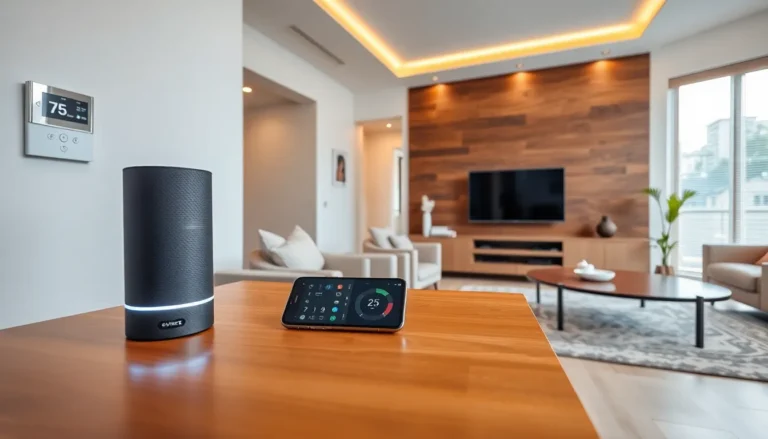
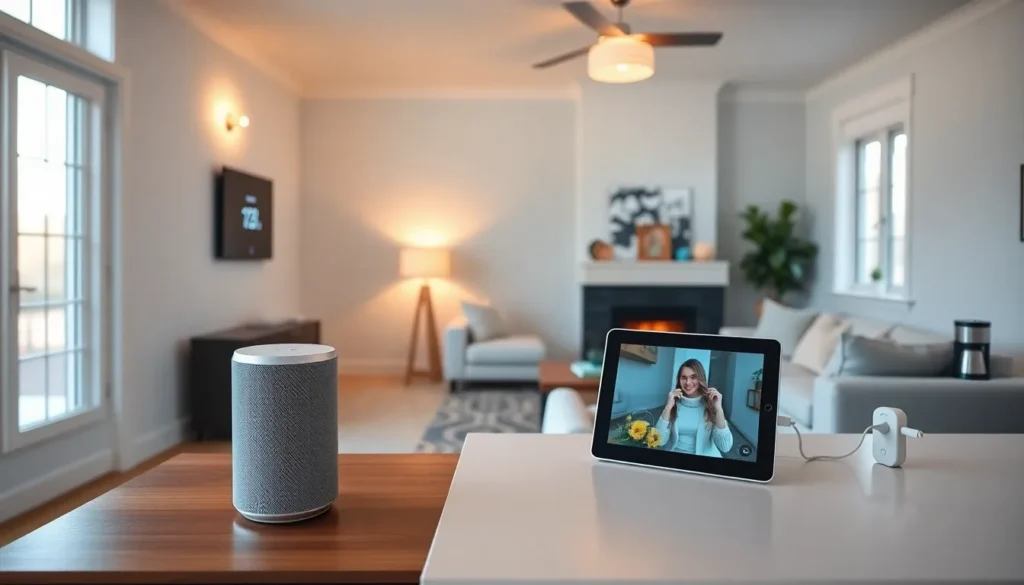
Smart home tech has transformed how people live, work, and manage daily routines. From voice-controlled lights to automated thermostats, these devices offer convenience, energy savings, and enhanced security. But getting started can feel overwhelming with so many options on the market. This guide breaks down the essentials, what smart home technology actually is, which devices beginners should prioritize, and how to build a connected ecosystem that works. Whether someone wants to automate a single room or an entire house, understanding the fundamentals makes the process straightforward and rewarding.
Table of Contents
ToggleKey Takeaways
- Smart home tech uses internet-connected devices controlled via smartphones or voice assistants to automate daily tasks and improve convenience.
- Beginners should start with a smart speaker, smart lighting, a thermostat, smart plugs, and a video doorbell to build a solid foundation.
- Choose one primary platform—Amazon Alexa, Google Home, or Apple HomeKit—before purchasing devices to avoid compatibility issues.
- The Matter standard allows smart home devices to work across different ecosystems, eliminating the need to commit to a single brand.
- Create automations and routines to unlock the full potential of smart home tech, such as triggering lights with motion or adjusting thermostats when leaving home.
- Ensure strong Wi-Fi coverage, use unique passwords, and keep firmware updated to maintain a secure and seamless smart home experience.
Understanding Smart Home Basics
A smart home uses internet-connected devices that users can control remotely via smartphones, tablets, or voice assistants. These devices communicate through Wi-Fi, Bluetooth, Zigbee, or Z-Wave protocols. The goal? Automate everyday tasks and give homeowners greater control over their environment.
Smart home tech falls into several categories:
- Lighting: Smart bulbs and switches that dim, change colors, or turn on automatically
- Climate control: Thermostats that learn schedules and adjust temperatures
- Security: Cameras, doorbell cameras, smart locks, and motion sensors
- Entertainment: Smart speakers, streaming devices, and multi-room audio systems
- Appliances: Smart plugs, robot vacuums, and connected kitchen gadgets
Most smart home devices require a hub or work directly with platforms like Amazon Alexa, Google Home, or Apple HomeKit. These platforms serve as the central command center. They let users group devices, create automations, and control everything from one app.
The Matter standard, introduced in 2022, has made compatibility easier. Devices with Matter certification work across different ecosystems, so buyers don’t need to commit to a single brand. This interoperability is a game-changer for anyone building a smart home from scratch.
Essential Devices for Beginners
Starting with smart home tech doesn’t require a massive investment. A few key devices create a solid foundation and demonstrate the benefits quickly.
Smart Speaker or Display
A smart speaker like the Amazon Echo or Google Nest serves as the control hub for most setups. Users issue voice commands to control lights, check the weather, set timers, or play music. Smart displays add visual feedback, showing video from doorbell cameras or recipe instructions.
Smart Lighting
Smart bulbs and switches offer the quickest wins for beginners. Philips Hue, Wyze, and LIFX bulbs install in minutes. Users can schedule lights to turn on at sunset, dim them for movie nights, or control them remotely when away from home. Smart switches work with existing bulbs and don’t require replacing every fixture.
Smart Thermostat
Devices like the Nest Learning Thermostat or Ecobee learn household patterns and adjust temperatures automatically. They reduce energy bills, sometimes by 10-15% annually, and integrate with other smart home tech for coordinated automations.
Smart Plugs
These inexpensive devices turn any appliance into a smart device. Plug in a lamp, fan, or coffee maker, and control it via app or voice. Smart plugs also monitor energy usage, helping identify power-hungry appliances.
Video Doorbell
Ring, Nest, and Arlo doorbells let homeowners see and speak with visitors from anywhere. Motion alerts notify users of activity, and recorded footage provides security documentation. Many models don’t require existing doorbell wiring.
Setting Up Your Smart Home Ecosystem
Building a smart home ecosystem requires some planning. Random device purchases can lead to compatibility headaches. Here’s how to approach the setup strategically.
Choose a Primary Platform
Before buying smart home tech, pick a primary voice assistant platform. Amazon Alexa offers the widest device compatibility. Google Home integrates tightly with Android phones and Google services. Apple HomeKit prioritizes privacy and works seamlessly with iPhones. Most devices support multiple platforms, but choosing one primary system simplifies daily use.
Start Small and Expand
Begin with one room or one use case. A bedroom might get smart lighting and a speaker. The front door could receive a video doorbell and smart lock. This approach lets users learn the system before scaling up. It also prevents buyer’s remorse from purchasing devices that don’t fit actual needs.
Optimize Wi-Fi Coverage
Smart home tech depends on reliable internet. A single router may struggle with dozens of connected devices. Mesh Wi-Fi systems from brands like Eero, Google Nest, or TP-Link provide consistent coverage throughout the home. Position routers centrally and away from interference sources like microwaves or thick walls.
Create Automations and Routines
The real magic of smart home tech happens through automations. Users can create routines like:
- “Good morning” turns on lights, reads the weather, and starts the coffee maker
- Motion at the front door after sunset triggers porch lights
- Leaving home locks doors, adjusts the thermostat, and arms security cameras
Platforms like IFTTT (If This Then That) or native app automations make these connections simple.
Tips for a Seamless Smart Home Experience
A few practical considerations help avoid common frustrations with smart home tech.
Keep firmware updated. Manufacturers release updates that fix bugs, patch security holes, and add features. Enable automatic updates when possible.
Use strong, unique passwords. Smart devices connect to home networks and the internet. Weak passwords create security risks. A password manager helps maintain unique credentials for each device and account.
Label devices clearly. Naming a smart bulb “Living Room Lamp” beats “Smart Bulb 3.” Clear names make voice commands intuitive and prevent confusion when managing multiple devices.
Check return policies. Not every device works perfectly in every home. Wi-Fi dead spots, incompatible fixtures, or unexpected limitations happen. Buy from retailers with generous return windows.
Consider family members. Everyone in the household should understand basic controls. Guest modes and shared accounts help visitors use systems without full access.
Plan for power outages. Some smart locks and lights have manual overrides. Know how to operate critical devices if the internet or power fails.